Most of us look for a free alternative to a paid app, but not every "free" app is genuinely free. Some are freemium, some are funded by ads, and some depend on tracking.
The exact names of the eight apps were verified against the video's official description, so they are listed below as video claims, not editorial guesses. A framework follows for safe selection; see choose-android-apps-safely.html.
Original video: 8 Amazing Android Apps You Should Try! 🔥 Best Free Alternatives Video published: 2021-04-23T04:58:15Z · Duration: 08:00
The right way to look for a free alternative
When you look for an alternative to a paid app, decide by "does it give me the features I need", not by "it is free" alone. Full feature parity is rarely realistic, but the core function has to be there.
Approach:
- Identify the core features: from the paid app, list exactly what you want, nothing more.
- Separate must-have from nice-to-have: skip the nice-to-haves and concentrate on the core.
- Accept the trade-offs: a free alternative may carry ads, watermarks, limited exports or cloud limits.
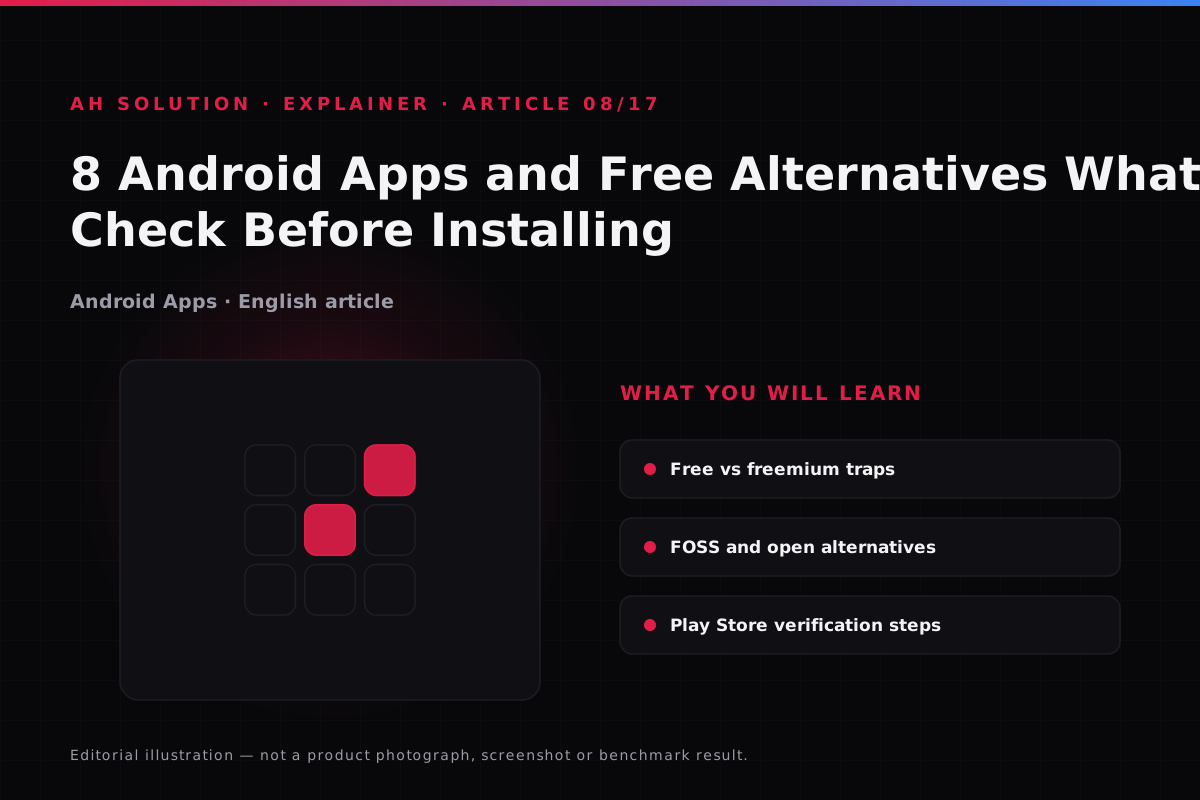
Freemium, ads and the reality of "free"
"Free" can mean several different things, and it is worth understanding which one applies.
| Model | Explanation | What to watch |
|---|---|---|
| Ad-supported | Free, but shows ads | Is the ad frequency reasonable? |
| Freemium | Basics free, advanced features paid | Will you pay for the core features? |
| Open Source (FOSS) | Source open, usually no ads or tracking | Transparent, but the interface may differ |
| Trial-based | Free for a limited time, then a subscription | Check the auto-renewal terms |
How to compare feature by feature
A simple table makes a comparison clearer. When you shortlist alternatives, fill it in:
| Feature | Paid app | Alternative A | Alternative B | Notes |
|---|---|---|---|---|
| Core task | Yes/No | Yes/No | Yes/No | The most important one |
| Ads | Minimal/None | High/Low | High/Low | Check your tolerance |
| Offline support | Yes/No | Yes/No | Yes/No | Is it necessary? |
| Export/Share | Full | Limited | Full | Affects daily use |
| Privacy | Known | Check | Check | Permissions and policy |
This method keeps the decision logical rather than emotional.
Privacy, permissions and data collection
The business model of a free app may be the data itself, so permissions need scrutiny.
- Check trackers: look at the app's privacy profile where available, and read Play Store reviews.
- Location and file access: why is it needed, and is that justified or excessive?
- Network access: is background data sync necessary, or needless?
- Account requirement: does the app work without an account, or force a sign-in?
If an app asks for more permissions than it can justify, look for a better one.
Pay attention to open source (FOSS) alternatives
Paid commercial apps often have capable FOSS equivalents. FOSS does not mean perfect, but these apps are usually more transparent and carry less advertising and tracking.
Editorial addition (not a video claim): the F-Droid repository is verified as a source of apps without ads or tracking, and the Play listing for Firefox as a free browser alternative. Both are editorial suggestions, not part of the video's list.
FOSS apps have trade-offs too: the interface may be plainer, documentation thinner, and development slower. You still need to check whether the core needs match.
Safe selection from the Play Store
Follow these checks before you install:
- Developer credibility: is this a genuine developer, or a lookalike?
- Recent reviews: look for a pattern in the 1-star reviews.
- Permissions pre-check: read the permissions list before installing.
- Update recency: avoid abandoned apps.
- Download trends: take extra care with a sudden viral spike.
Always refer back to the detailed checklist in choose-android-apps-safely.html.
The eight apps from the video and what was verified
The app names were confirmed from the video's official description: App Market, Aptoide, Brave Browser, Picnic, YMusic, Thop TV, Flix 4U and Feem, with Gravity Launcher as the bonus app. Official sources were verified for only three; the other listings were unavailable on this pass.
| App | Developer / source | Free versus paid status | Verification |
|---|---|---|---|
| Brave Browser | Brave Software | App free; optional Brave VPN/premium paid | play.google.com verified · brave.com |
| Aptoide | Aptoide (aptoide.com) | Store free; apps are third-party listings | aptoide.com verified — not found on the Play Store |
| Feem | FeePerfect AG | App free; ads and in-app purchases | feem.io verified · Play listing verified |
| App Market | — | Exact listing not verified | No source found — check the developer before installing |
| Picnic | — | Exact listing not verified | No source found — apply the same checks |
| YMusic | — | Exact listing not verified | No source found — verify the source before sideloading |
| Thop TV | — | Unofficial streaming app | No official listing found — the legal and security risk is high, avoid it |
| Flix 4U | — | Exact listing not verified | No source found — apply the same checks |
| Gravity Launcher (bonus) | — | Exact listing not verified | No source found — launcher customisation app |
The pattern is clear: browsers such as Brave offer the core features free with a premium option, while freemium apps lock the advanced features. Subscription traps, ads and permissions differ from app to app, so apply the framework above and do not blind-install any unverified app.
Troubleshooting and limitations
Expect realistic limitations with free alternatives:
- Feature gaps: not everything will be exactly the same.
- UX differences: the workflow may be slightly different.
- Ad fatigue: what seemed manageable first may become irritating later.
- Sync limits: cloud features may be locked.
- Long-term viability: a free alternative can be discontinued as well.
Safety and privacy
Do not compromise on security. Avoid sideloading from APK sites unless necessary and the source is verified, and prefer the official Play Store. Follow the privacy checklist, and when in doubt, skip the app.
Frequently asked questions
Which eight apps appear in the video?
From the official description: App Market, Aptoide, Brave Browser, Picnic, YMusic, Thop TV, Flix 4U and Feem, plus the bonus Gravity Launcher. Each status is in the table; official sources were verified for Brave, Aptoide and Feem only.
Is a FOSS alternative always better?
More often than not it is better for privacy, but the interface and workflow do not suit every use case. Decide by your needs.
Is it safe to install a freemium app?
It can be, if the developer is reputable and the permissions reasonable. Stay aware of in-app purchases and subscription traps.
How much time should you spend choosing an alternative?
A quick check of two to five minutes is enough: read the permissions and reviews, and see whether the core features match.
Should you try several alternatives to the same app?
Not more than two. Shortlist two, use both, then pick the better fit. Trying more leads to decision paralysis.
Final recommendations
Choose free alternatives thoughtfully: check the feature match, understand the monetisation model and scrutinise the privacy terms. Do not follow the hype; look at your actual workflow. The app names are confirmed against the video description, but their status is set out in the table — trust only the verified links. One well-chosen free alternative can save you time and money.
Resources and official links
- Android Help: where to download apps — the risks of sideloading and unknown sources.
- Google Play Protect — scans apps before installation and alerts you to risky permissions.
- F-Droid — a repository of FOSS apps without ads or tracking.